
Playground Basketball Mascot Guide: Prices, Bundles, and How to Equip
Playground Basketball mascot skins alter player character models on the court. Players acquire them through direct Robux gamepasses, bundled packages with coins and celebrations, or seasonal events, then equip them directly inside the inventory menu.
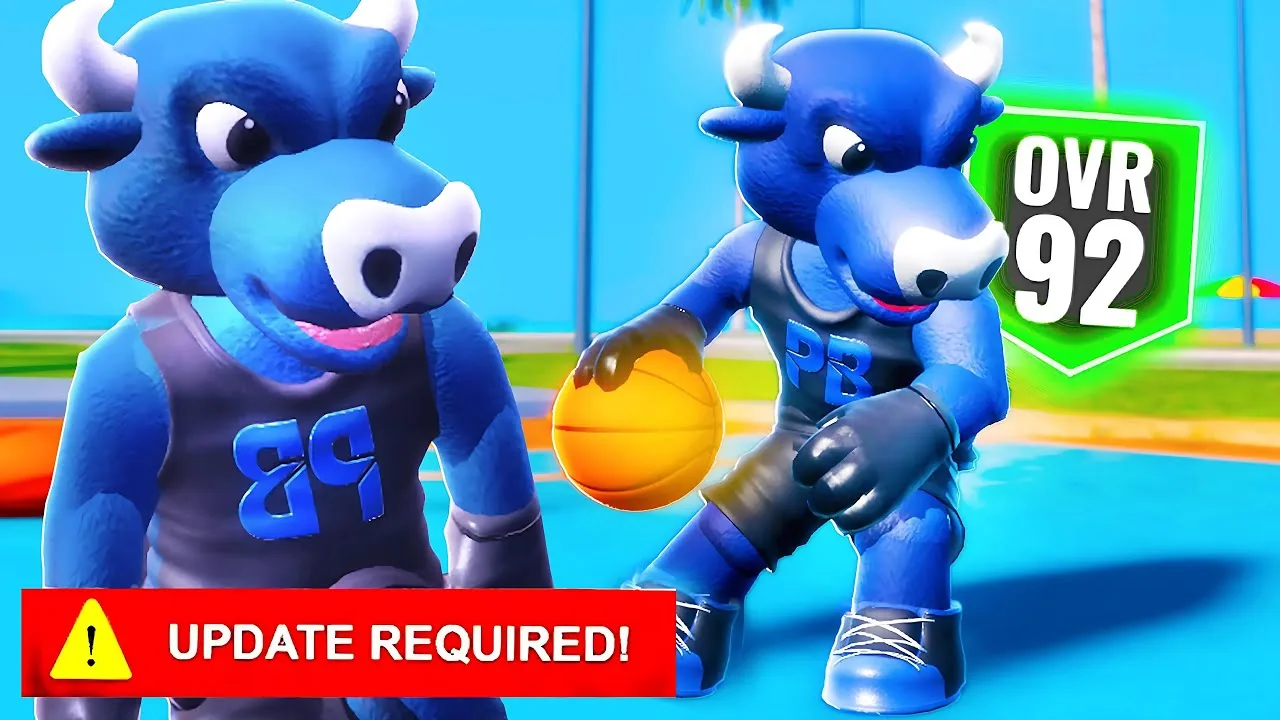
Playground Basketball mascot skins alter player character models on the court. Players acquire them through direct Robux gamepasses, bundled packages with coins and celebrations, or seasonal events, then equip them directly inside the inventory menu.
Mascots in Playground Basketball, developed on Roblox by Playground Basketball | Community, act as full-body character skins. While cosmetic changes do not modify the base stat ratings of your best build, they overwrite standard clothing and hairstyles across 1v1, 2v2, and 3v3 park matches.
How to Equip Mascots
Equipping any purchased or unlocked mascot requires only a few menu inputs. After completing a purchase, the game developer notes that you must rejoin the server for newly bought passes to register on your account.
- Open your player menu in the main lobby or park.
- Select the Inventory tab.
- Click on the Mascots icon.
- Select your owned mascot skin to apply it to your character.
If a mascot fails to load onto your avatar immediately after purchase, exit to the main Roblox menu and rejoin a fresh park server.
Mascots, Bundles, and Robux Costs
Players can obtain mascots either as standalone gamepasses or through bundled packs that deliver bonus coins, celebratory emotes, and tokens. Several limited mascots introduced during stage events also support purchase via Stage Tickets.
| Mascot Option | Best Suited For | What It Requires |
|---|---|---|
| Standalone Pass (Baldy, Robot, Bull, Santa) | Direct skin access without extra cosmetic fluff | 399 Robux |
| Stage Event Limiteds (Zazu, Bumble Bee, Bulldozer, Atom, Angler, Vex) | Flexible acquisition via Robux or gameplay currency | 599 Robux or Stage Tickets |
| Horsey Mascot | Collectors targeting exclusive large-model skins | 1299 Robux or Stage Tickets |
| Starter Pack Bundle | New builds needing an early coin balance alongside a skin | 299 Robux (Includes 25,000 Coins) |
| Themed Bundles (Reaper, Glazey) | Complete cosmetic overhauls with celebratory animations | 999 Robux (Includes 50,000 Coins and emotes) |
| Tubey Bundle | Equipping custom shot effects alongside a mascot | 749 Robux (Includes VFX pack and 45,000 Coins) |
Standalone mascots priced at 399 Robux include Baldy, Robot, Santa, Big OZ, and the Blue Bull mascot. The Human Nun Mascot costs 499 Robux, while the Mystery Mascot pass provides an unrevealed skin for 499 Robux.
Higher-tier bundles provide substantial currency alongside unique celebrations. The Ninja Bundle costs 799 Robux and includes 47,500 coins, the Ninja Mascot, and the Splitz Celebration. The Glazey Bundle costs 999 Robux and grants 50,000 coins, the Glazey Mascot, the Uppercut Celebration, and the Get Off Me Celebration. For holiday releases, the Grinch Bundle grants 45,000 coins, 450 Snowflakes, the Grinch Mascot, an Antlers Hat, and an Elf Hat.
Special bundles also distribute progression items. The Teddy Bundle costs 649 Robux and includes 25,000 coins, the Teddy Mascot, a Construction Hat, one Attribute Token, and two ground pass tokens.
Event Mascots and Ticket Unlocks
Not all mascots require spending Robux. Certain limited-edition mascots can be unlocked through active gameplay during designated community events:
- Stage Event mascots such as Zazu, Bumble Bee, Bulldozer, Atom, Angler, and Vex can be redeemed with Stage Tickets earned during the event window, serving as an alternative to their 599 Robux pass prices.
- The Horsey Mascot can similarly be claimed with Stage Tickets instead of its 1299 Robux store cost.
- Past holiday events featured unique items like the Bugs Bunny mascot during the Season 3 Easter event, which required collecting hidden eggs across the plaza before the seasonal shop closed.
Checking available limited gamepasses and current stage objectives ensures you know whether an upcoming skin demands saved Robux or accumulated event currency.