
Playground Basketball PS4 Controls: Complete PlayStation Layout
Playground Basketball PS4 controls map movement to the left stick, sprinting to R2, shooting and steals to Square, and post stances to L2. Ball handlers execute directional crossovers, behind the back escapes, and step backs using precise D-pad inputs and Circle hand switches.
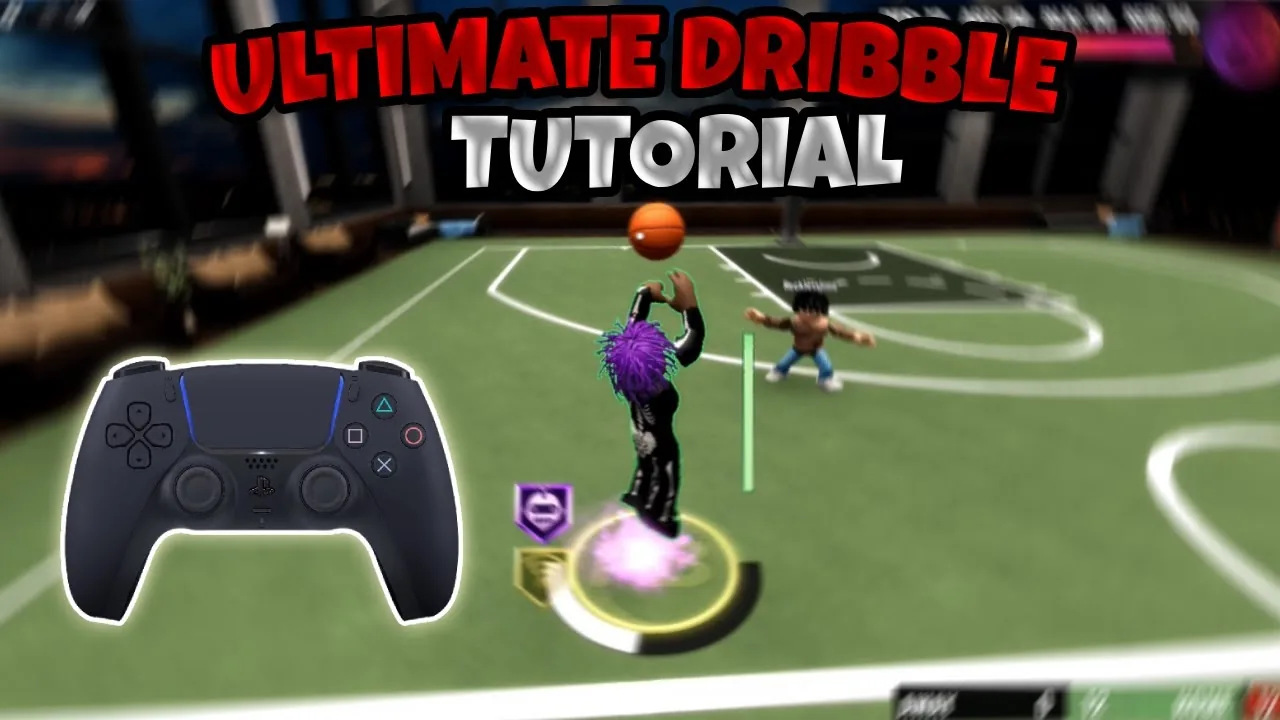
Playground Basketball PS4 controls map movement to the left stick, sprinting to R2, shooting and steals to Square, and post stances to L2. Ball handlers execute directional crossovers, behind the back escapes, and step backs using precise D-pad inputs and Circle hand switches.
PlayStation Controller Button Layout
Roblox Playground Basketball translates complex streetball inputs directly to the DualShock 4. Movement relies on the analog sticks, while dribble branch selections execute via the directional pad. Holding sprint alters baseline dribble packages into faster, distance-clearing variations.
| Button / Input | Offensive Function | Defensive / Special Function |
|---|---|---|
| Left Stick | Character movement | On-ball defensive movement |
| Left Stick Click (L3) | Toggle POV camera mode | Toggle POV camera mode |
| Right Trigger (R2) | Hold to sprint | Hold to sprint on defense |
| Left Trigger (L2) | Post stance (inside arc) | Post stance positioning |
| Square | Shoot, layup, floater, hop step | Reach-in steal |
| Circle | Switch ball hand | Floor recovery (paired with Triangle) |
| Triangle | Self lob / dunk contest trigger | Floor recovery (paired with Circle) |
| D-Pad Left / Right | Directional crossovers and hesitations | Directional steal attempts |
| D-Pad Down | Single tap step back, double tap snatch back | Transition retreat |
| D-Pad Up | Double tap to execute size-up combo | Signature package activation |
| R1 + R2 Bumpers | Trigger bumper behind-the-back animations | Neutral stance recovery |
Playing on PlayStation uses the same unified button layout as Xbox controls, substituting Square for X, Circle for B, Triangle for Y, and L2/R2 for the triggers.
Finishing and Shooting Mechanics
Scoring around the rim depends on movement speed, stick direction, and the duration of Square button presses.
Releasing an open jumper requires holding Square and letting go inside the green timing window. Taking shots off the dribble without sprint yields higher stability, while fadeaways trigger when pressing away from the hoop.
Paint scoring branches into floaters, standard layups, and hop steps:
- Floater: Run toward the paint, release R2 so you are not sprinting, and hold Square. Your player lofts a high-arcing shot over shot-blockers.
- Standard Layup: Hold R2 to sprint, drive toward the rim, and hold Square until the timing meter reaches green.
- Jelly Layup: Initiate a driving sprint layup with Square, then tap Square a second time mid-air to change the layup platform and avoid shot blockers.
- Hop Step: Walk forward toward the basket, tap Square once without holding it, then press Square again to rise for a layup or finish with how to dunk.
- Side Hop Step: Hold R2 while moving diagonally, left, or right, then tap Square to hop laterally into open space before releasing a shot.
- Post Move: Inside the three-point arc, hold L2 and double-tap Square to lean into the defender, establishing leverage for a paint bucket.
To convert a moving behind the back into a rim-grazer, complete the dribble sequence, wait for the animation to end, push the left stick forward, and hold R2 alongside Triangle.
Playmaking and D-Pad Dribble Sequences
Playmaking in Playground Basketball isolates handle packages to the D-pad arrows. Understanding how to dribble begins with knowing which hand holds the basketball.
Directional crossovers change depending on ball position:
- Standing Crossover: If the ball is in your right hand, press Left D-pad. If the ball is in your left hand, press Right D-pad.
- Moving Crossover: Hold the left stick forward and tap the opposite D-pad direction.
- Hesitation (Hezy): Tap the D-pad direction matching your ball hand (Right D-pad for right hand, Left D-pad for left hand). Tapping R2 immediately afterward triggers an accelerated burst animation.
- Between the Legs: If holding in the right hand, press Down D-pad then Left D-pad. If holding in the left hand, press Down D-pad then Right D-pad.
- Standing Behind the Back: Press the ball-side D-pad followed by Down D-pad (Right D-pad to Down D-pad for right hand; Left D-pad to Down D-pad for left hand).
- Moving Behind the Back: Hold R2 to sprint while entering the same directional sequence.
- Step Back and Snatch Back: Tap Down D-pad once for a standard step back. Double-tap Down D-pad to trigger a snatch back that pulls your player away from perimeter contests.
- Spin Move: If the ball is in the right hand, input Right D-pad, Down D-pad, and Left D-pad in quick succession, or double-tap the opposite directional arrow.
Combining these sequences allows guards to form rhythm chains before pulling up from deep.
Advanced Space-Creation and Glitch Techniques
Competitive playground matches frequently feature animation cancels and movement resets that separate shooters from physical perimeter defenders. Equipped signature packages from best animations alter the distance gained on these moves.
The Prada slide provides wide clearance for perimeter three-pointers. To execute the baseline slide:
- Enter the mid-range or three-point line area and hold L2 to activate a post stance.
- Press Circle to trigger a hand-switch animation.
- Release L2 as soon as your character twitches backward.
- Input a behind-the-back sequence (ball-side D-pad to Down D-pad) while pulling the left stick backward. The character slides straight back outside the arc for an uncontested jump shot.
The Hell spin combines a post twitch with a stick rotation. While dribbling, tap L2 briefly without entering the full post animation so the character flinches. Immediately press Circle to switch hands, then rotate the left stick in a downward circular motion (left-down or right-down). Defenders expecting a standing dribble shift out of position, opening lanes for layups.
The Moonwalk creates sudden misdirection along the perimeter. Execute any basic crossover, rotate the left stick 180 degrees in the direction opposite your dribble hand, and push the stick forward. The character moves backward while facing forward, creating space to chain dribble combos or pop into a spin back.
Holding both right bumpers (R1 and R2) while entering D-pad directions activates specialized bumper dribbles. Holding R1 and R2 while pressing Right D-pad to Down D-pad executes a wide bumper behind the back that covers lateral ground.
| Dribble Technique | Court Situation | Execution Cost |
|---|---|---|
| Prada Slide | Perimeter isolation beyond the arc | Requires strict L2 release timing and directional thumbstick positioning |
| Spin Back | Fast break decelerations | Consumes stamina while requiring double-tap D-pad inputs |
| Hop Step | Driving through paint traffic | Forces a locked gather animation that limits pass flexibility |
Defense and Court Recovery
Defensive play revolves around disciplined positioning and steal timing. Knowing how to defend prevents you from giving up free open looks to ball handlers chaining D-pad moves.
Pressing Square on defense triggers a steal attempt. In Playground Basketball, reach-in steals do not carry a strict stamina cooldown penalty, allowing defenders to swipe when an offensive player exposes the ball during heavy dribble moves. Stealing becomes most effective the exact moment an opponent begins a Hell spin or runs out of stamina.
When crossed over by an opponent equipped with high Ankle Breaker badges, your player may tumble to the hardwood. To instantly cancel the knockdown recovery animation on a DualShock 4, press Circle and Triangle simultaneously. Your player snaps directly back to their feet, closing out on the shooter before they can release an open shot.